Coding for Kids
Half a day of coding for kids in two parts: unplugged debugging games first, then a first playable Scratch build. It teaches computational thinking without turning the day into a lecture.
Last updated
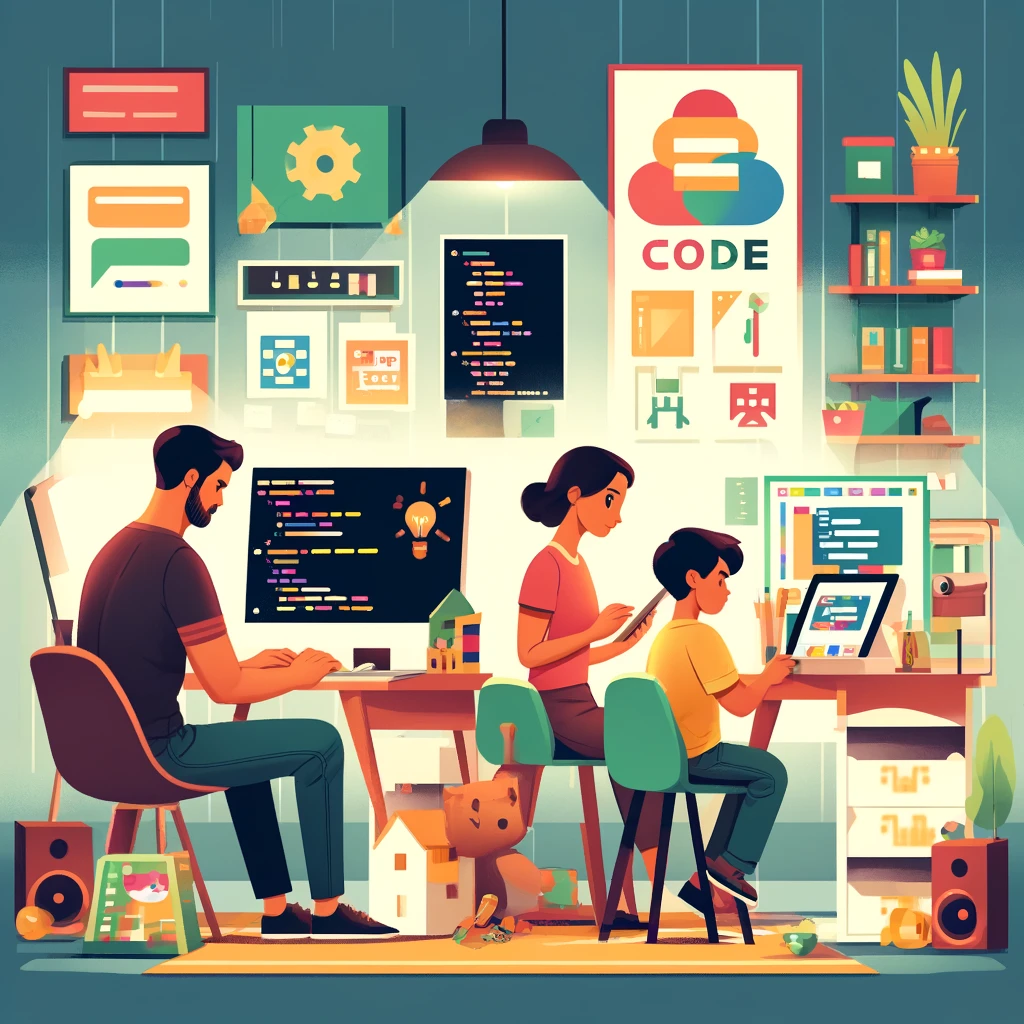
Before you start
You don't need to know how to code to run this — that's the whole design. The morning's engine is the literal robot game: kids write instructions for making a jam sandwich, and you execute them with malicious exactness ("put jam on bread" — the sealed jar is placed gently on the wrapped loaf). It's the funniest introduction to programming ever devised, and it teaches the real lesson — computers do what you said, not what you meant — before a screen ever appears.
When you do open the laptop, Scratch (free, browser-based, built by MIT for exactly this) is the only tab you need. Blocks snap together like Lego, nothing can be broken, and the leap from "make the cat move" to "make a chase game" fits inside one afternoon.
How it goes
Program the robot
Explain the contract — you are a robot, robots follow instructions exactly, and the kids' job is to program you to make a jam sandwich. Then execute their first draft with total literalism and zero mercy. The laughing is the learning; each failure sends them back to debug the instructions (use the word — it's their first jargon and they wear it proudly). A working program usually takes three drafts and produces one terrible, triumphant sandwich. Eat it ceremonially.
Meet Scratch
Open scratch.mit.edu and just play — make the cat move, make it say things, make it spin and squawk. No goal yet; fluency comes from poking. Show the one golden pattern (when flag clicked → do things) and then answer questions rather than steering. They'll find the sound blocks within four minutes. This is fine. This is the hook.
Build the game
The classic first build — a chase game. Cat chases mouse (arrow keys move one sprite, the other moves randomly), score goes up on collision, timer counts down. Build it feature by feature, testing after every block — the test-early habit is the day's second real lesson. Let them change everything cosmetic (sprites, sounds, backdrop); ownership lives in the cosmetics.
The arcade launch
The game gets a title screen, an author credit and a playtest by every family member while its developer watches with unbearable pride. High-score table on paper next to the laptop. Save the project (free account or download the file) — version one of anything deserves preserving, and next weekend's version two is already being planned aloud.
Make it fit your kids
Too young for Scratch, exactly right for bossing a robot — they'll issue single commands ("jump") and shriek at the compliance. Their sibling's programming session doubles as their comedy show.
The robot game lands perfectly, and ScratchJr (the tablet version for pre-readers) or heavily-paired regular Scratch fits after. One feature at a time, big celebrations per block.
The core audience — full chase game solo, then their own idea (there is always, immediately, an own idea). Teach them to Google "how to make X in Scratch" and you've taught the actual skill of programming.
Scratch may read as young — offer the same project in a beginner Python tutorial or a level-editor game they already own. The robot game still works, but now they program each other and it becomes psychological warfare.
Fully free — Scratch costs nothing, and the robot runs on one round of bread and a scraping of jam. No tablet? The unplugged act alone is a complete activity; program the robot to make toast, tie shoes, or walk to the door.
If it’s going really well
- Version two — every good first game earns one new feature per weekend (lives, levels, a villain).
- The sibling commission — each kid designs a game for the other and must implement one feature they demanded.
- A family arcade evening — every project playable, scores kept, the developer interviewed about their creative choices.